Set up search on your repo
Indexing your repository runs on Axiomatic's servers either way, so both paths below start by giving the Octo Search GitHub App read access to it. What differs is where you search from, and how much of your repository is searchable.
Web is the short path: publish the repository and anyone can search it at octo.axiomatic-ai.com/search, with nothing installed and no key. It serves the repository's default branch, and only public repositories are eligible.
VS Code is the path you need to search a specific branch rather than a repository. The extension pairs each checkout with its own database, so a feature branch, a private repository, and declarations you have not pushed yet are all searchable.
Listing a repository on the Octo Search site makes its declarations findable by anyone, there and through the hosted MCP server.
1. On GitHub, give the app access to the repositories you want to search. We recommend only giving access to select repos as opposed to all repos. Start from Install / Configure on GitHub on the dashboard's search tab.
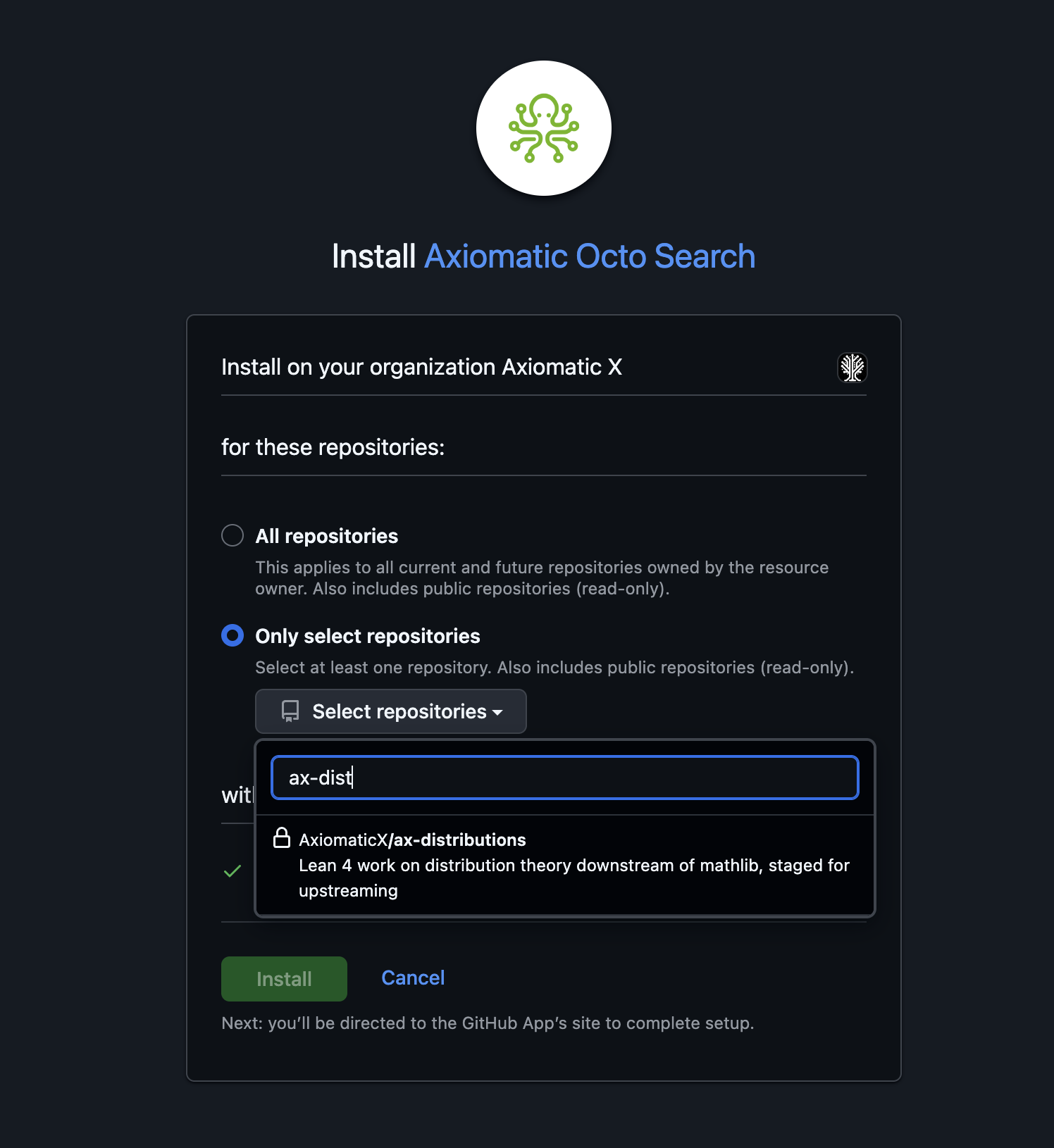
1.5. (Only if you selected all repos) In the table below, enable each
repository for search. Repositories you picked by name while installing
arrive already enabled, so they appear on their own. Installing with "All
repositories" enables nothing: add those yourself as owner/name. Enabling
a repository needs write access to it.
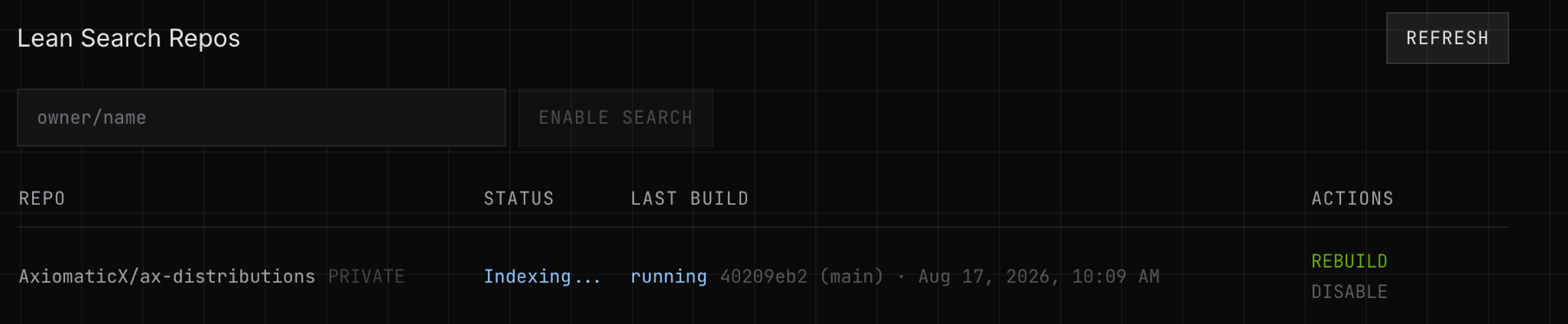
2. Once your repo is finished indexing, you can access it through the VS Code extension. You can additionally publish a repository to the Octo Search site, where anyone can find its declarations along with AI-generated descriptions of them. Only public repositories are eligible, and turning it off removes them.
The first index starts as soon as a repository is enabled, and runs again on every push to its default branch. When a build fails for a reason on the repository's side, the table shows the message and a hint for fixing it.
Octo Search needs three things: an Axiomatic API key in this editor, the repository indexed on the server, and a search database on disk. The setup checklist in the Octo sidebar tracks all three.
The following assumes the extension is installed and you have opened a Lean project that lives on GitHub.
1. Open the Octo sidebar.
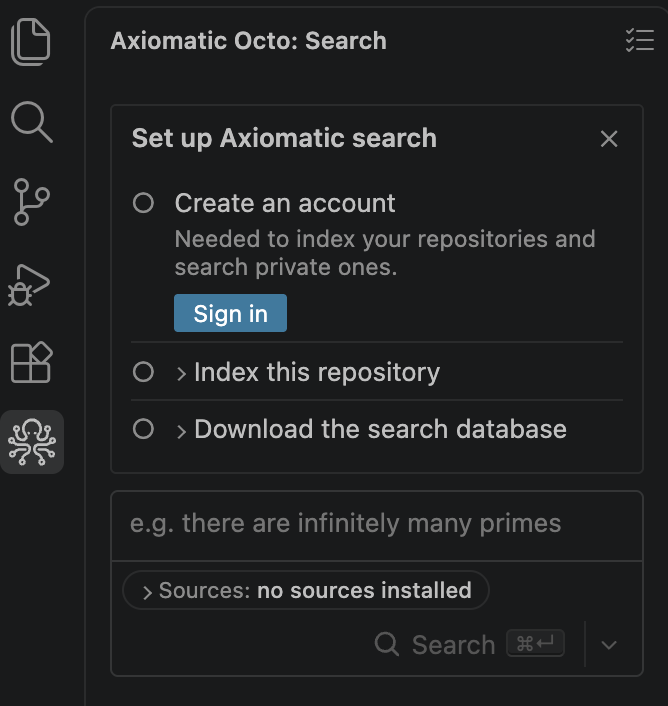
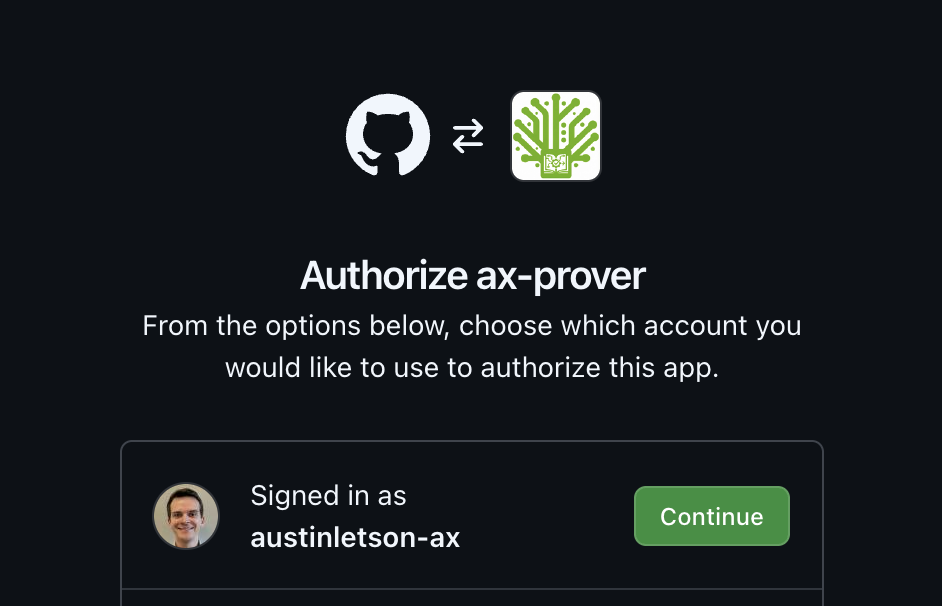
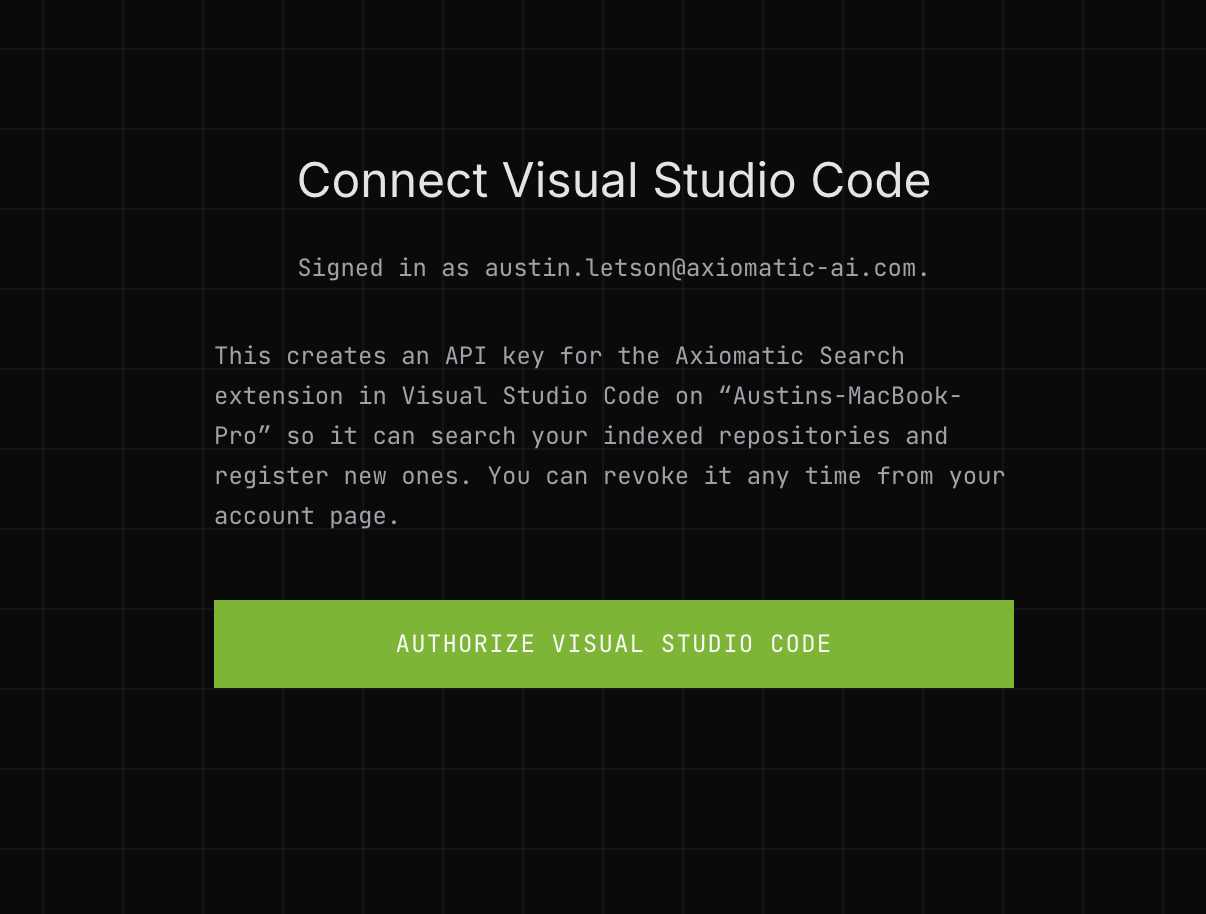
2. Create an account. Sign in opens your browser: authorize the app on GitHub, then connect this editor. Signing up for the first time also asks you to accept the terms and conditions.
3. Give Octo Search access to the repository. Indexing runs server-side, so the GitHub App needs read access. Expand Index this repository; each row says what it is waiting for. (Dependencies like Mathlib ask for nothing: see why your repo needs access and Mathlib does not.)
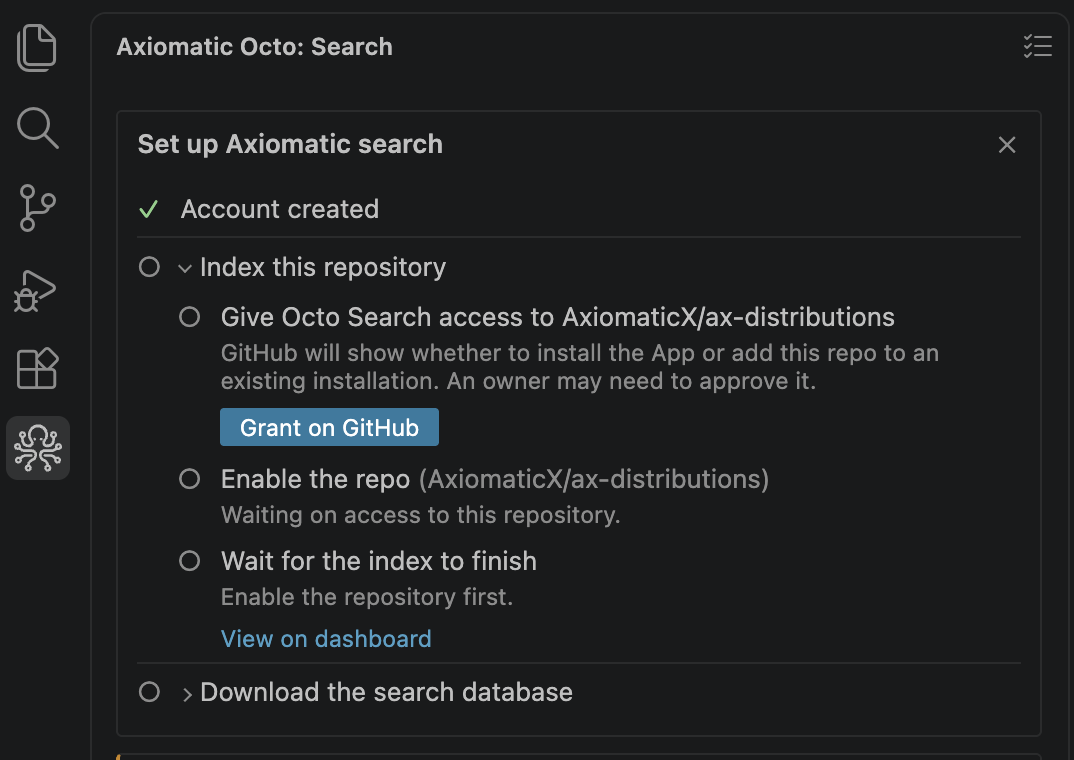
Grant on GitHub opens the App's install page. Install for all repositories, or pick just this one. Under an organization, an owner may have to approve it.
4. Indexing starts. GitHub sends you to the dashboard, where the build appears.
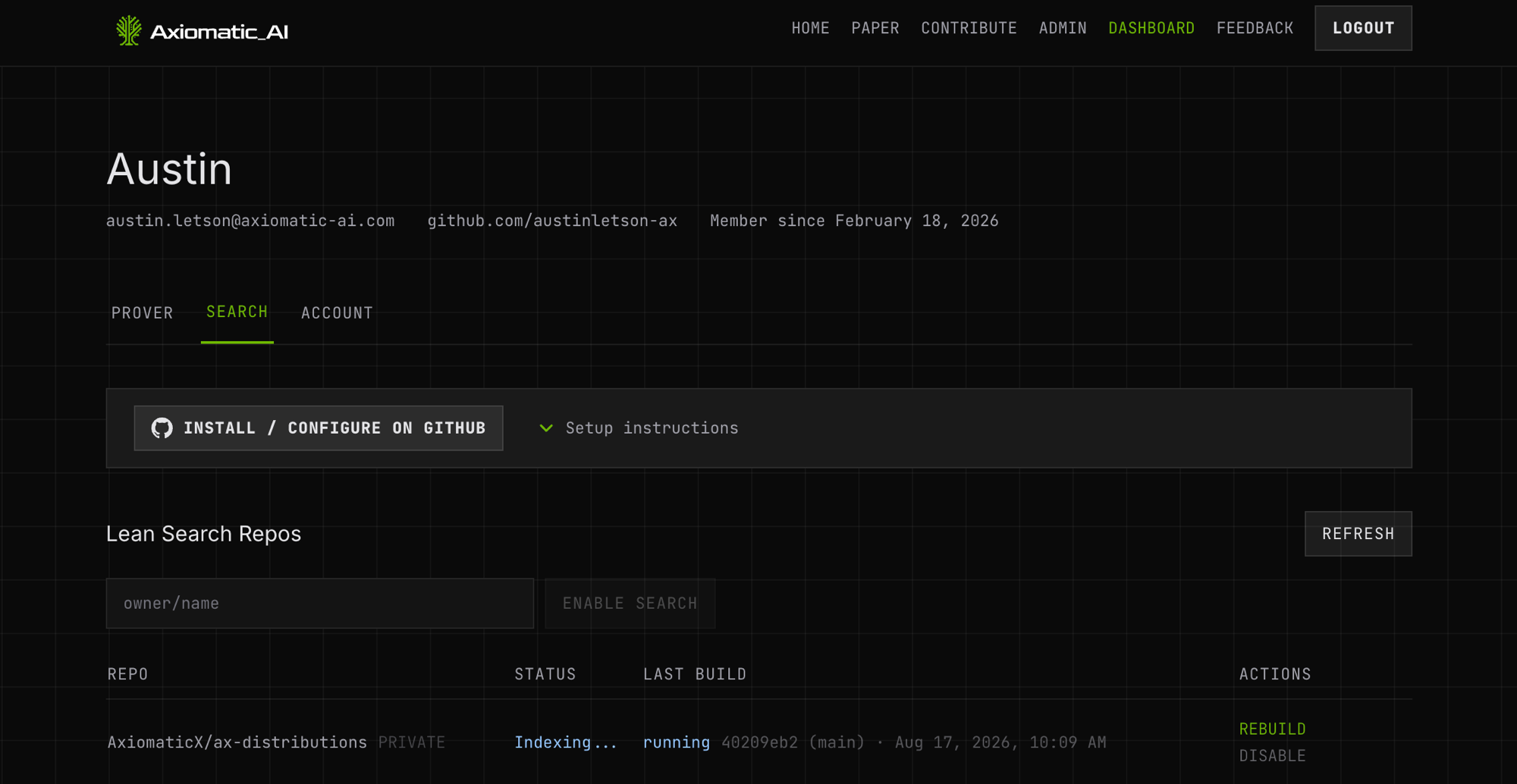
Nothing else to do here — the extension polls in the background and enables the repository itself, so the panel has moved on by the time you switch back.
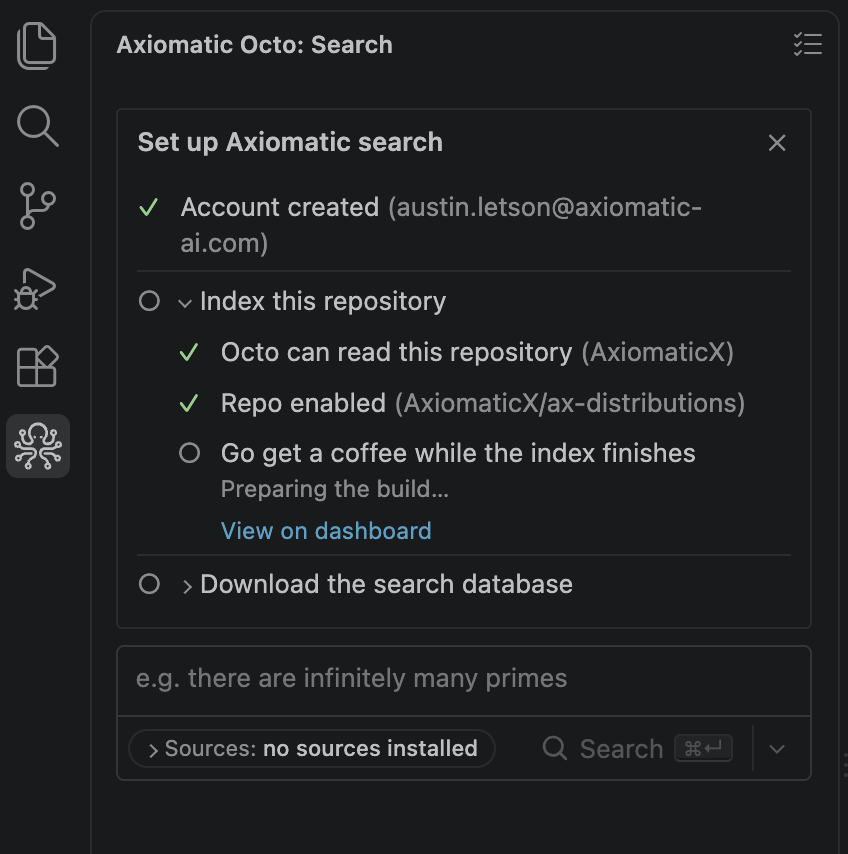
5. The search databases download themselves. Indexing produces a database on the server; searching reads one from disk. Once the index is built there is nothing to decide, so the extension starts the downloads itself and the rows report progress.
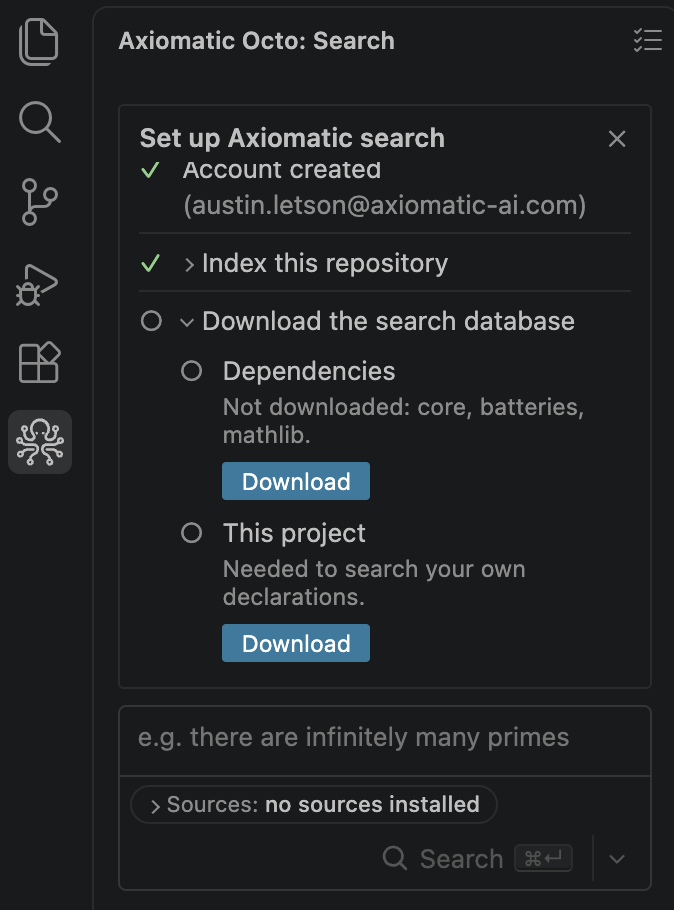
Dependency databases are cached per machine, so you pay for Mathlib once. Each row keeps a Download button, which is the retry if one fails.
6. Search. When the last database lands, a final row names what you can now search: the dependency corpora and your own repo. The checklist stays put until you click Dismiss on it.
Then describe what you want, not its name.
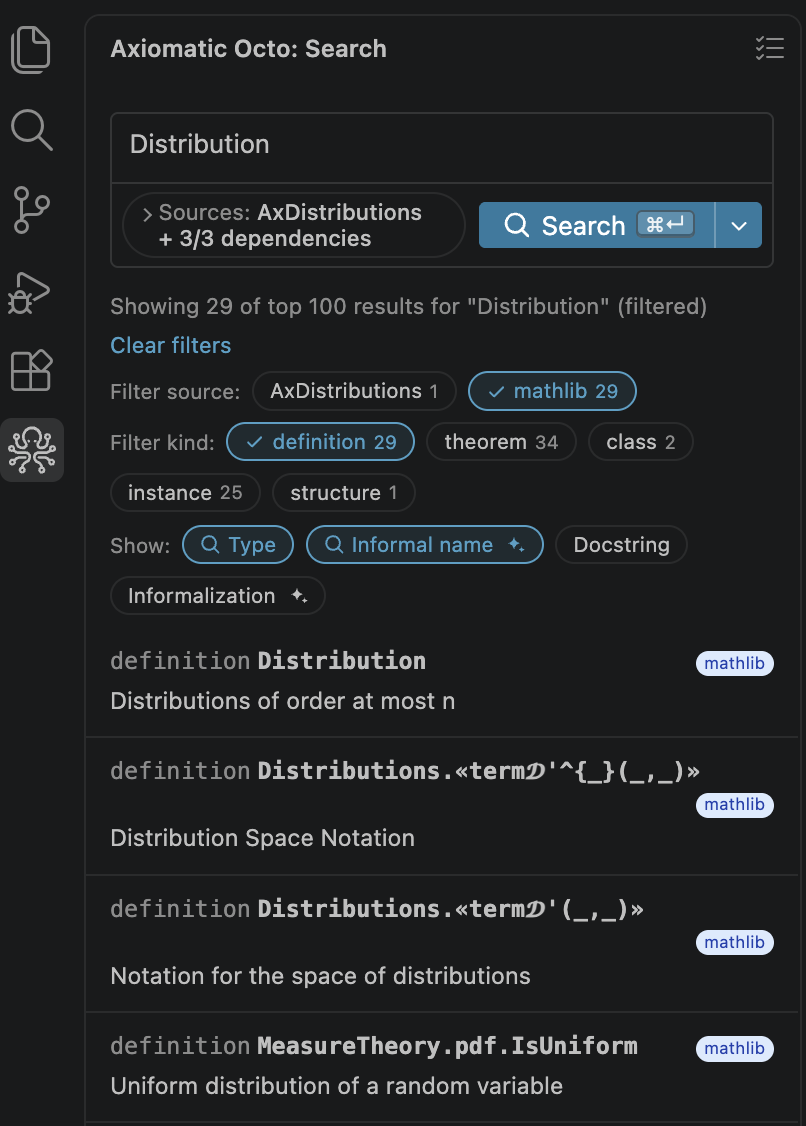
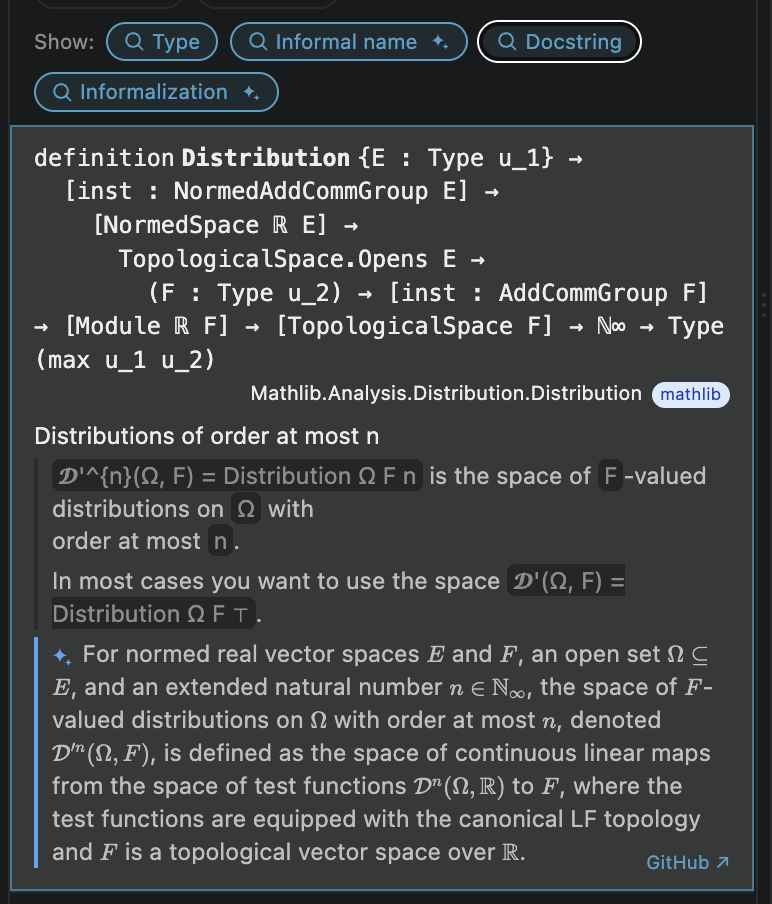
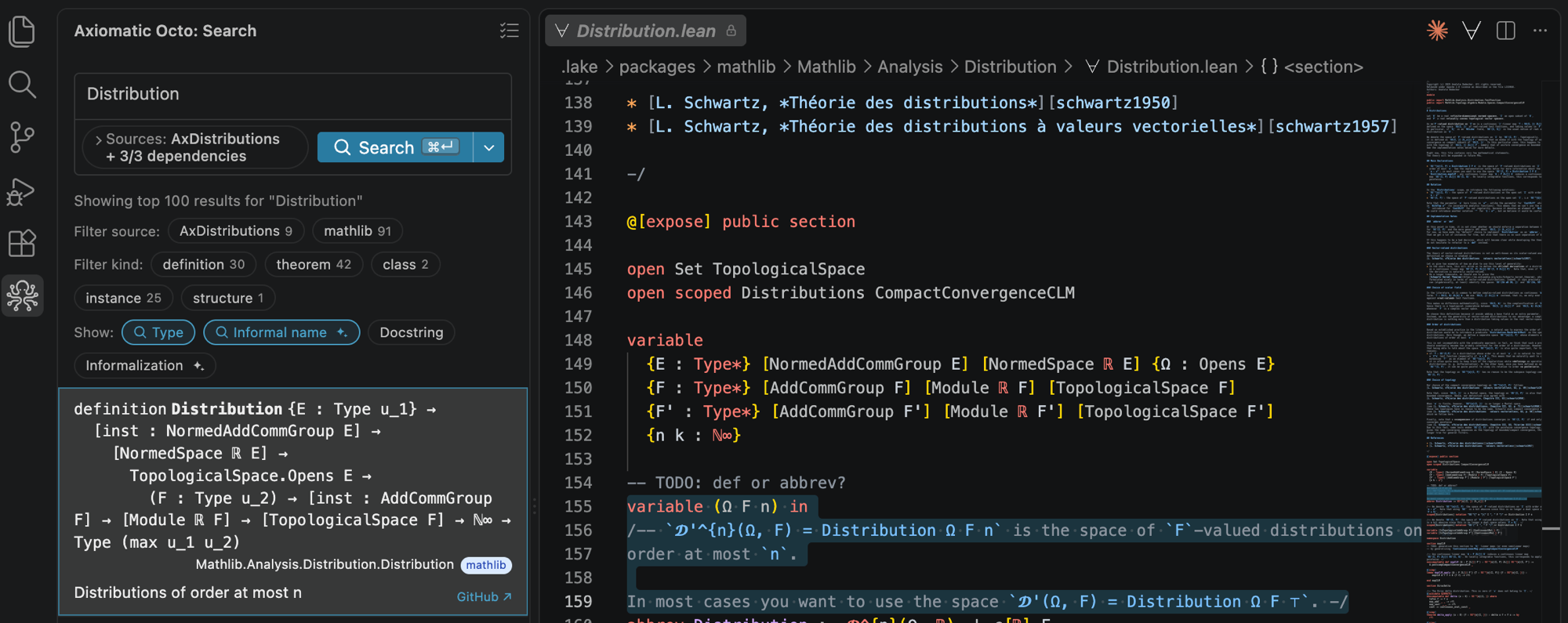
If setup does not complete, run Octo: Show Output for the logs; the dashboard's search tab has the full build log for a failed index.
Searching from the terminal or an agent
Both paths above are also reachable outside the editor. The CLI queries the same
databases the extension downloads — see the CLI
reference for querying, fetching, and indexing. For coding
agents, octo-mcp searches your project's own databases and the hosted server
searches the published corpora: Agents and MCP.